Text-aware planning
State exact copy, hierarchy, placement, casing, and what must remain readable.
Build production-minded prompts for precise text, art direction, product concepts, and visual storytelling in a focused, no-login workspace.
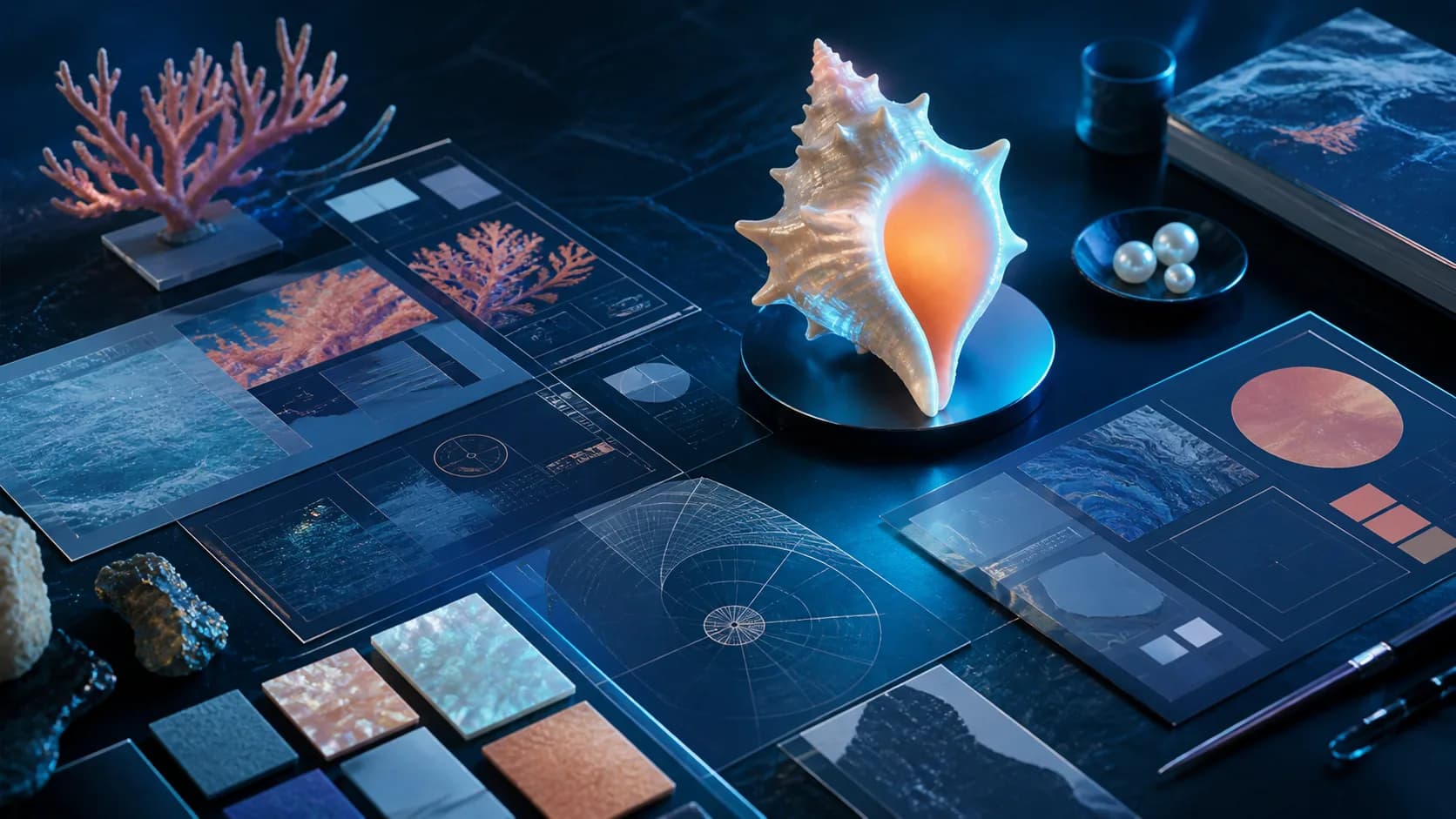
A good brief makes every image model more useful. Define the message, visual system, and constraints here first.
Use a structured way of thinking for assets that need more than a beautiful surface.
State exact copy, hierarchy, placement, casing, and what must remain readable.
Separate fixed requirements from details the model may explore across variations.
Describe what to borrow from a reference—palette, framing, material—not its identity.
Mark logos, faces, facts, and rights-sensitive elements that need human review.
Treat the prompt like a compact creative brief instead of a bag of keywords.
Open the workspaceSay what the image is for, who it serves, and the single outcome that matters most.
Describe subject, action, environment, composition, palette, light, materials, and exact text.
List what must be accurate, what can vary, and what should never appear in the final image.
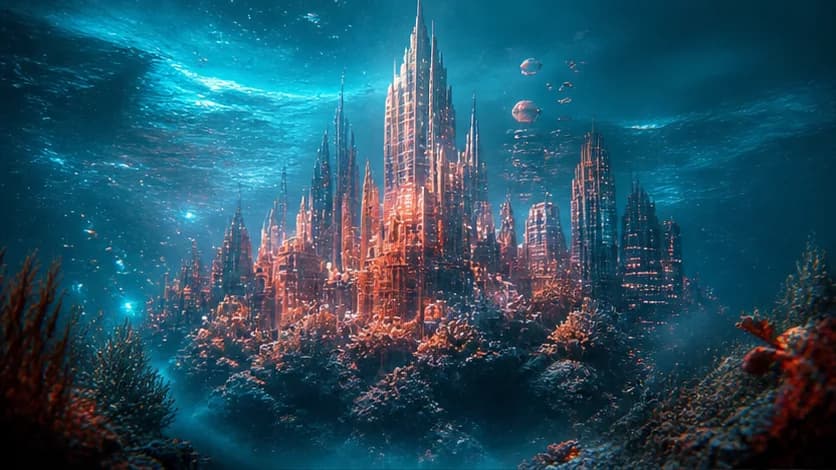
A practical framework for turning a short thought into a visual brief with subject, scene, light, lens, and intent.
Read article
Treat your prompt like a compact creative brief to gain more control over text, layout, materials, and iterations.
Read article
Create persuasive product scenes with credible materials, scale, shadows, reflections, and brand-safe composition.
Read articlePractical guidance for preparing prompts and understanding this independent page.
You can use this page's prompt workspace without an account. The page does not directly run GPT Image 2 and does not claim official model access.
A clear job, explicit composition, exact text, visual references described by attributes, and measurable review criteria are more useful than a long list of style words.
Yes. Put exact copy in quotation marks and specify hierarchy, placement, font character, contrast, and spelling review.
Explain the transferable qualities you want—such as lighting, palette, pose, or layout—while respecting copyright, privacy, and identity rights.
No. The form has no production generation logic and does not submit your brief to an external image service. You remain in control of where you use it.
No image model guarantees factual, typographic, brand, or identity accuracy. Review every output carefully before publishing or commercial use.